Create an exercise
Create your own exercises in MyCoach Pro: fill in the information and dynamic parameters, then build the visual with the built-in editor or your own files.
Create a club exercise
-
Click the Exercise module.
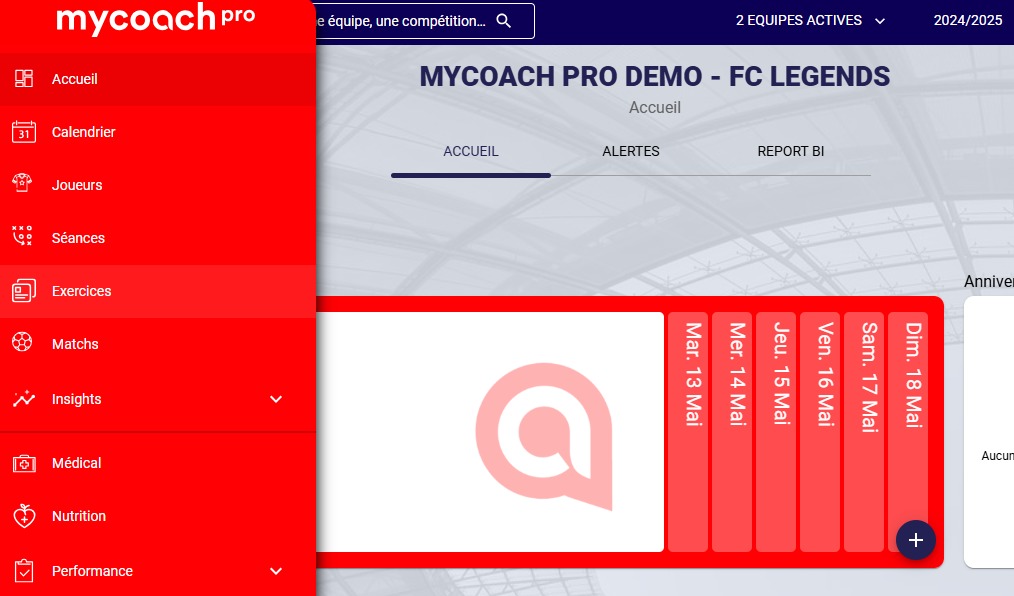
-
Click the Add an exercise button.
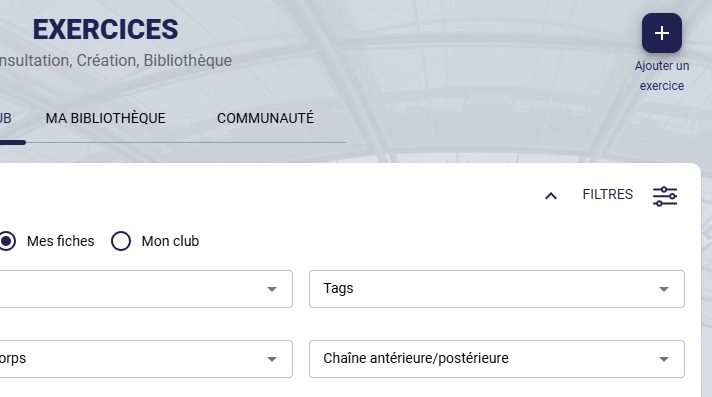
-
Select Add a club exercise.
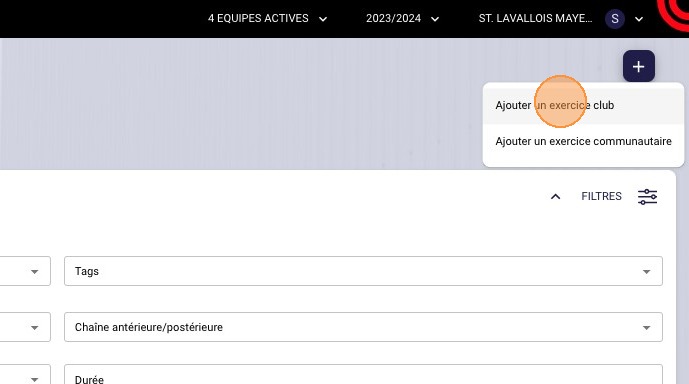
-
Fill in your exercise by completing the Information and Description fields. This information will help make it easier to find and to track how much it's used.
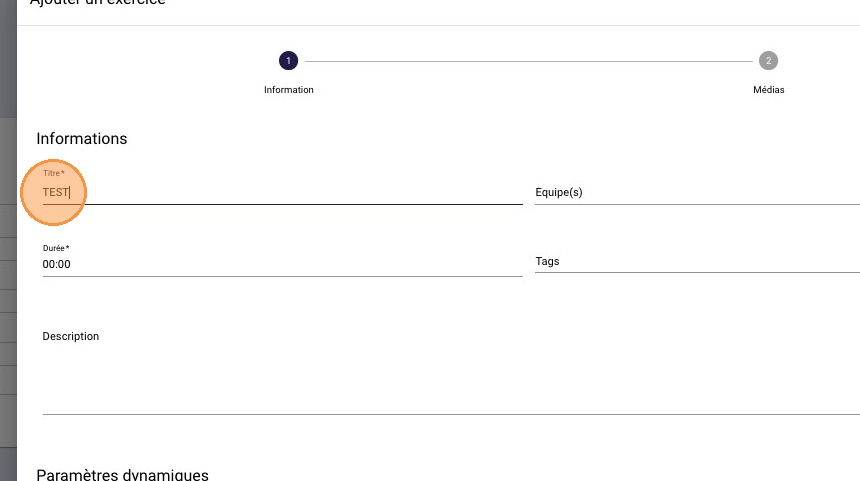
-
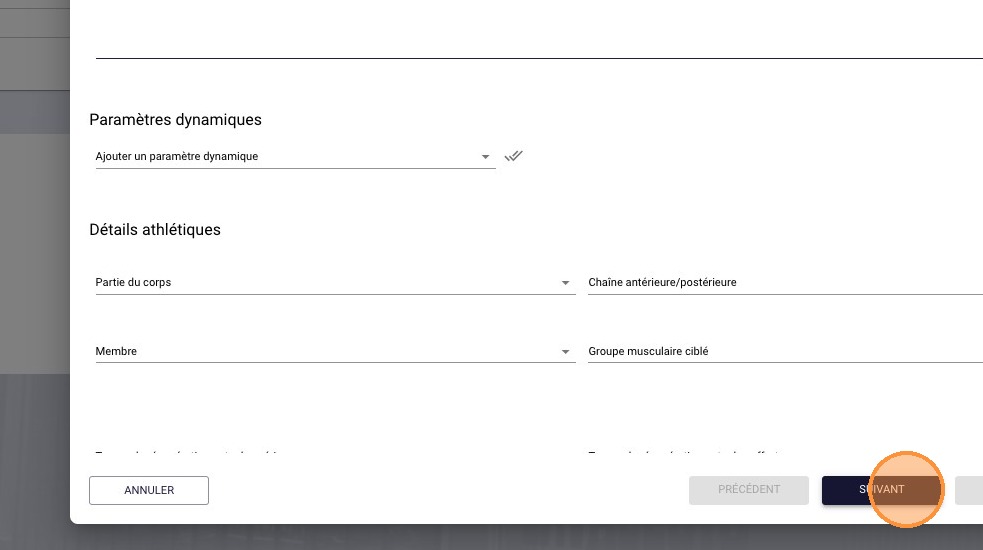
If needed, add default dynamic parameters. They're very useful for precisely specifying an exercise's criteria, such as number of reps, weight, intensity, etc.
They remain editable when the exercise is added to a session.
Then click NEXT.
-
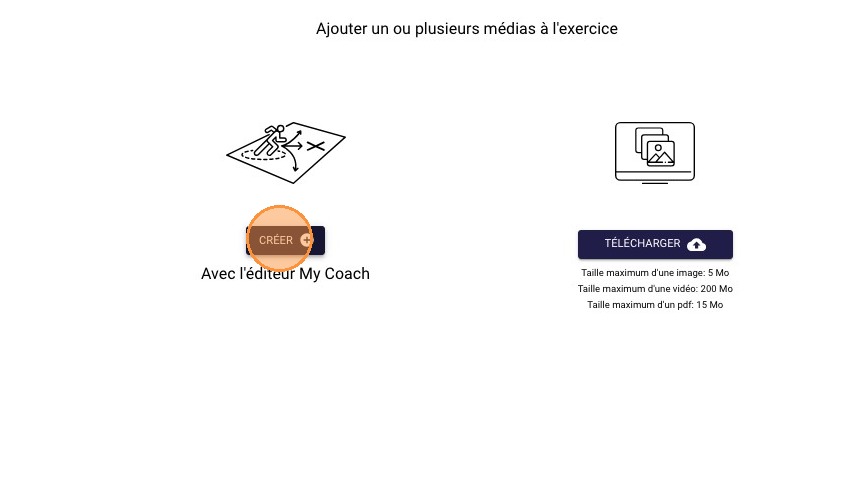
Click CREATE to use our visual editor, or UPLOAD to import your own visuals, PDFs or videos.
-
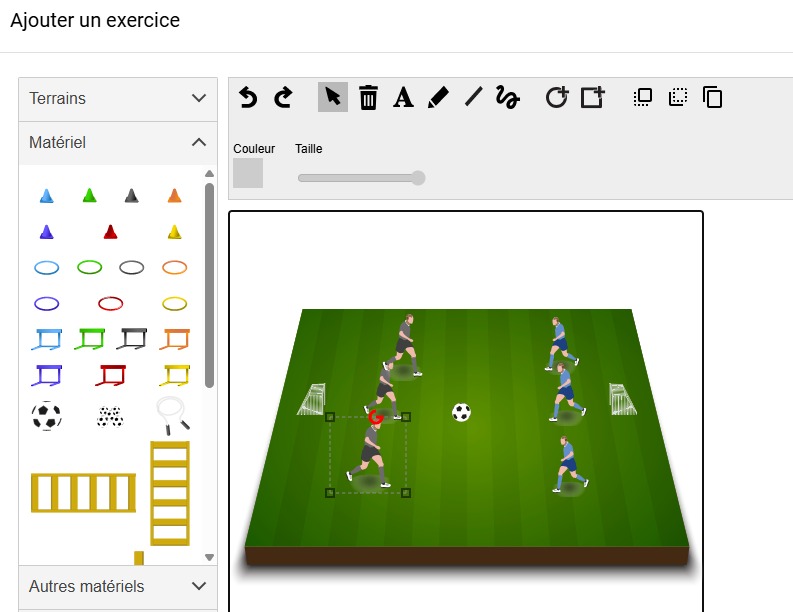
The visual editor lets you use many types of fields, equipment and athletes.
-
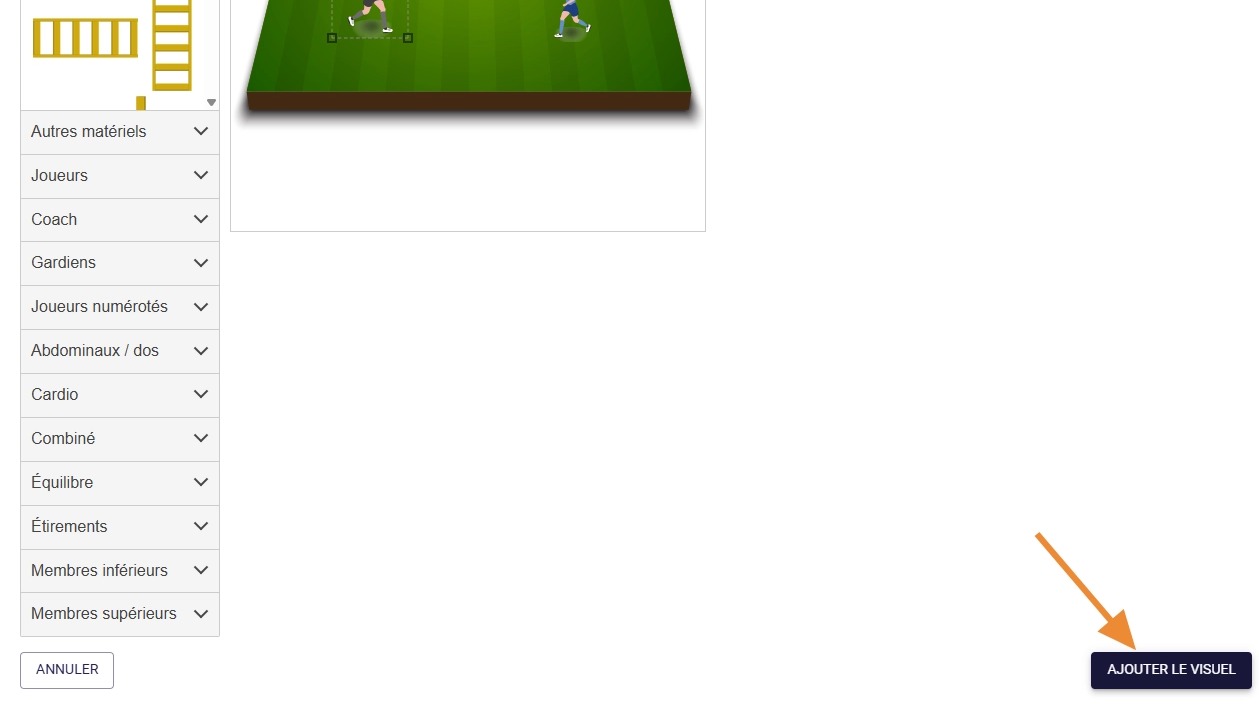
Click ADD VISUAL to add it to the exercise.
You can add several for each exercise.
-
Click FINISH to complete the creation of your exercise.
Need help
Email support@mycoachpro.io with any questions about creating exercises.