Find your games
The Games module brings together all of your teams' games: the ones you created and the ones from your official calendars, synchronized automatically.
The dashboard
-
Click the Games module. The Dashboard tab shows your Next games and your Previous games.
- The Teams field filters the games displayed.
- Display X elements sets the number of games in each list.
- The house icon indicates a home game, the plane an away game.
- The green dot next to the competition indicates an official competition.
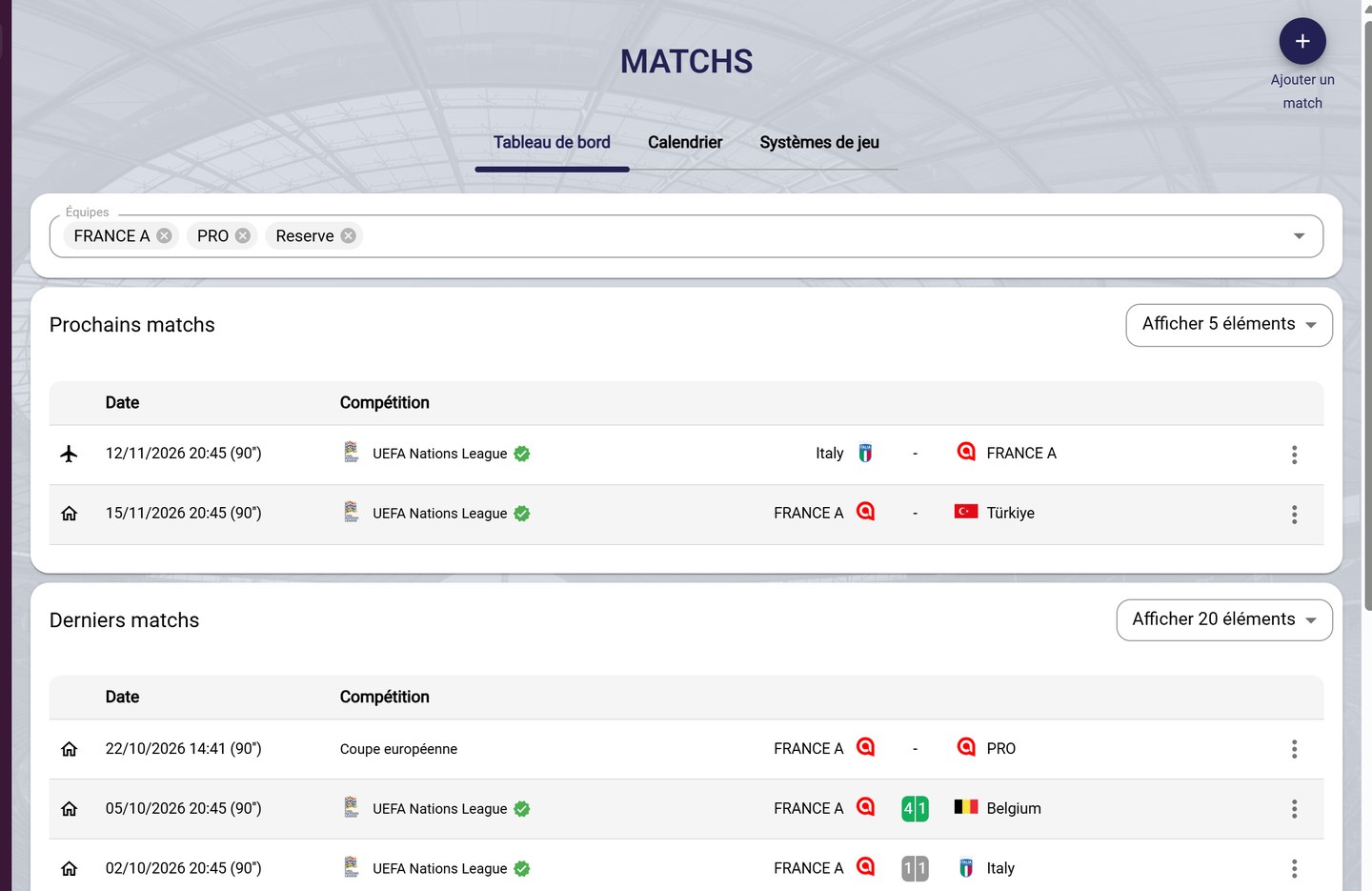
The games dashboard
-
Click a game to open its page, or click its three dots to See, Edit or Delete it.

A game's menu
DeletionDeleting a game also erases its lineups, match events and data. It cannot be undone.
The games calendar
-
The Calendar tab shows your games by month, week or day. Filter it by team, and click a game to open it.
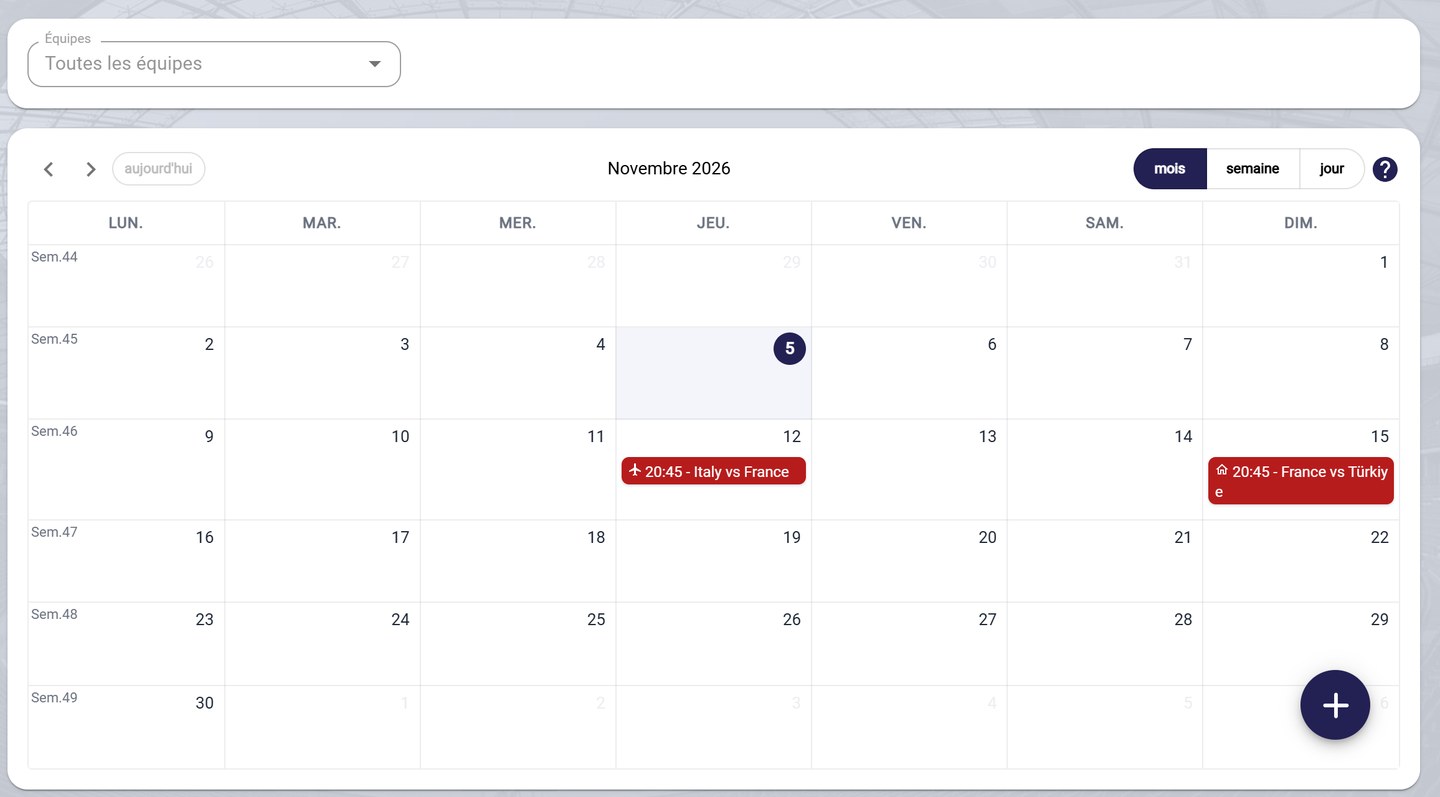
The games calendar
What's next?
To add a game, see Add a game. For everything a game's page offers, see View a game.
Need help
Email support@mycoachpro.io for any question about the Games module.