Add a comment about a player
The Comments block on the player profile keeps a record of your observations: medical, sporting, school, social or other.
Add a comment
-
Open the player's profile. The Comments block is at the bottom of the Global Information tab.
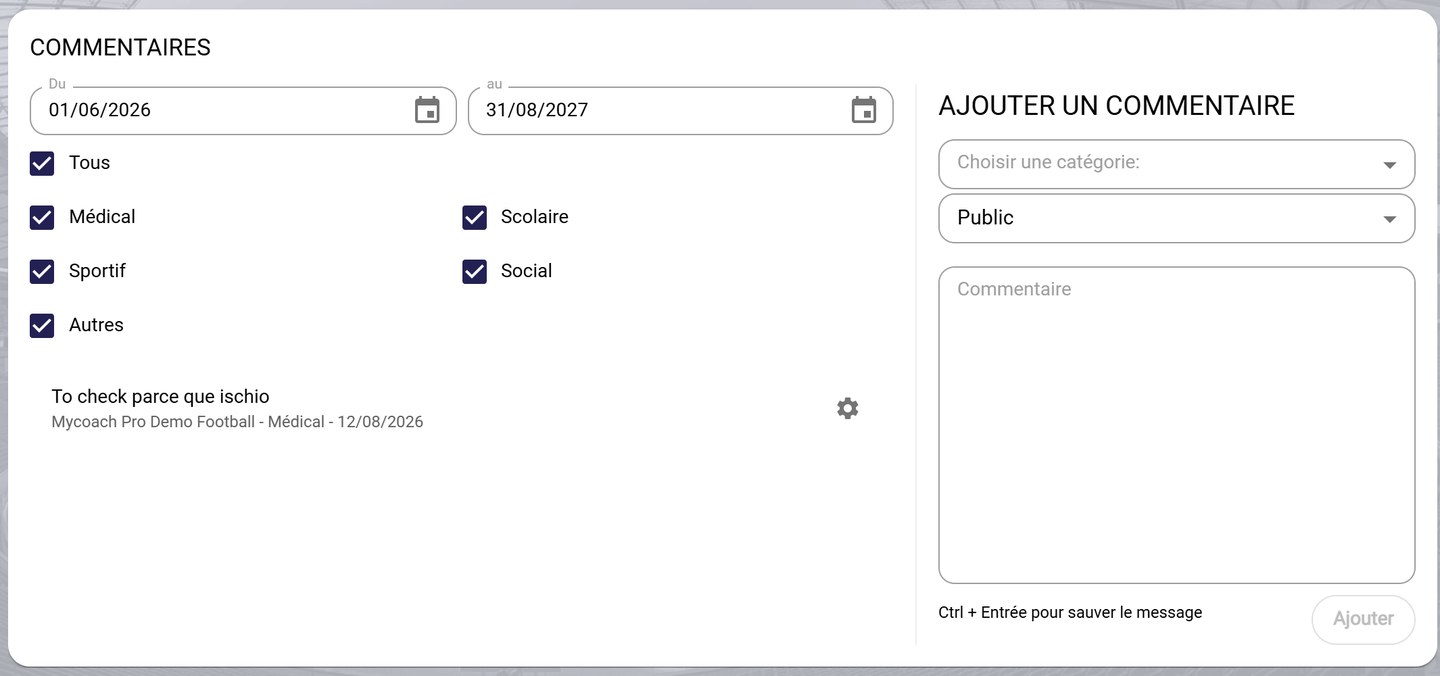
The Comments block
-
In Add comment, choose a category: Medical, School, Sporting, Social or Other.
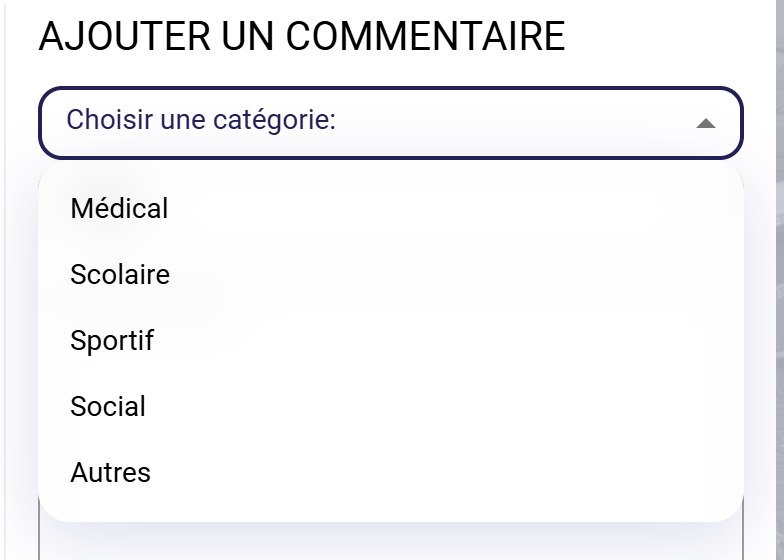
Choosing the category
-
Choose the comment's visibility: Public or Private, then type your comment.
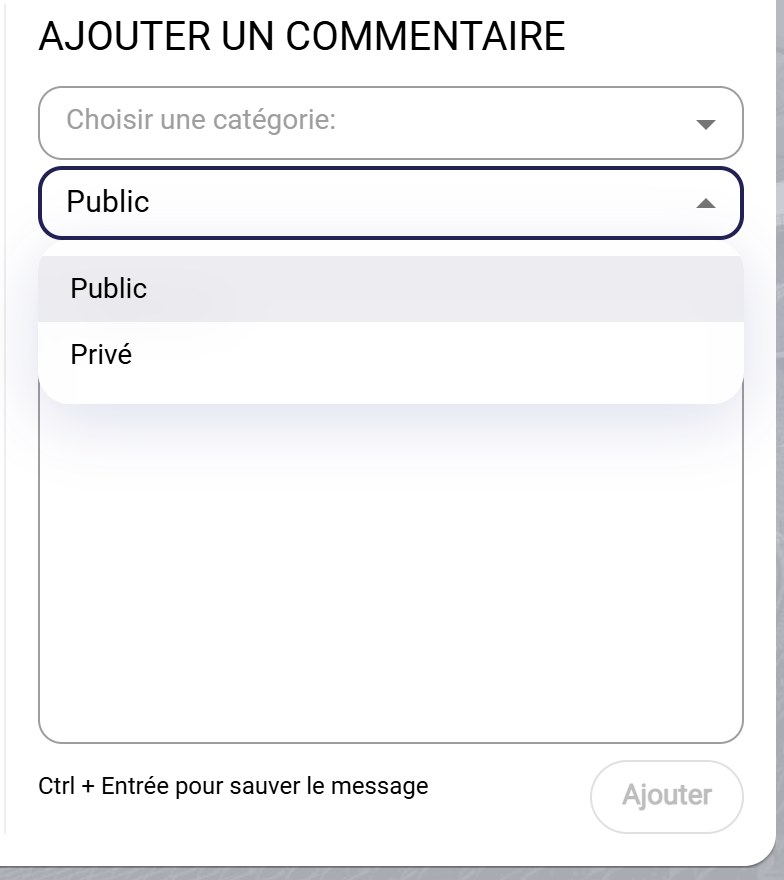
Choosing the visibility
-
Click ADD, or press Ctrl + Enter. The comment appears in the list, with its author, category and date.
Find a comment
-
Choose the period (From / to) and tick the categories to show. Untick All to show only some categories.
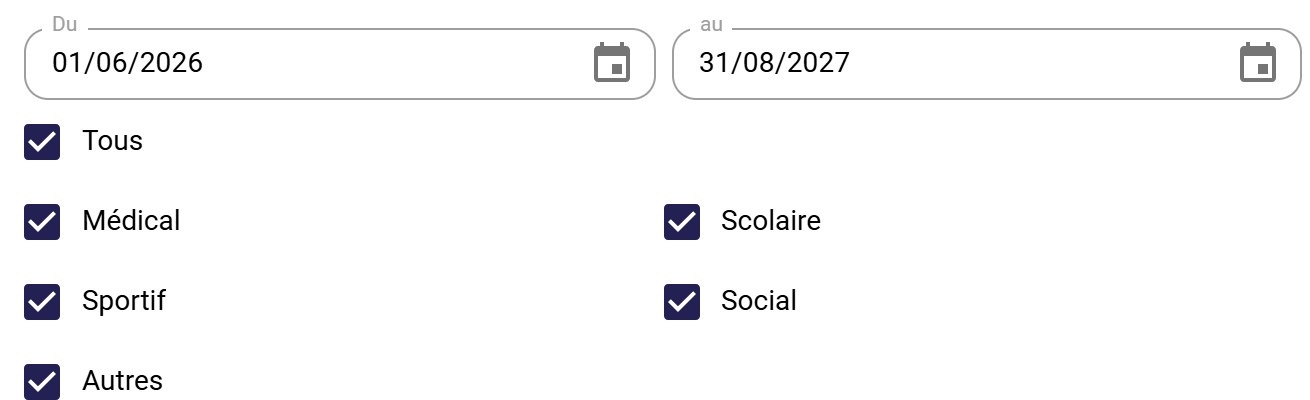
The comment filters
Edit or delete a comment
-
Click the comment's gear icon, then choose Edit or Delete.
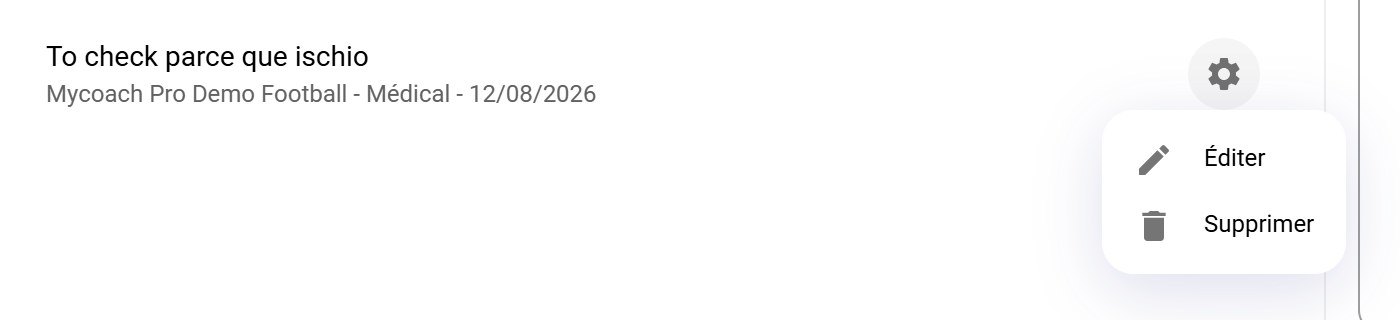
A comment's options
Need help
Email support@mycoachpro.io with any questions about comments.