View a player's profile
The player profile brings together everything you know about a player: their identity, their sport informations, their comments and tracking tabs (summary, sessions, career, documents…).
Open a player's profile
-
Click the Players module, then the player name. Their profile opens on the Global Information tab: identity, contact details, groups, position, former club, teams…
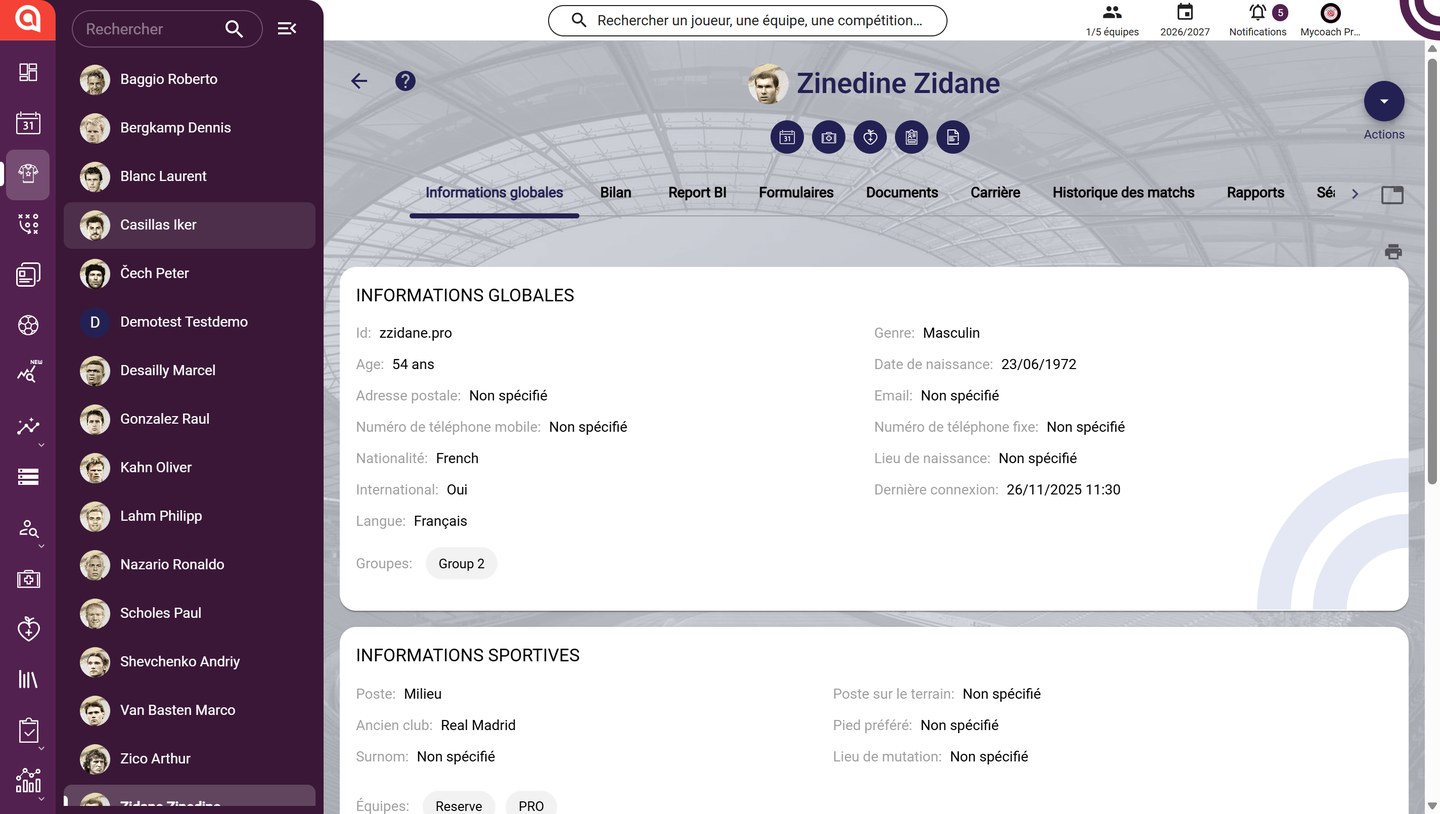
The player profile
-
To switch from one player to another without going back to the list, click a name in the left panel. The Search field at the top of the panel helps you find a player.
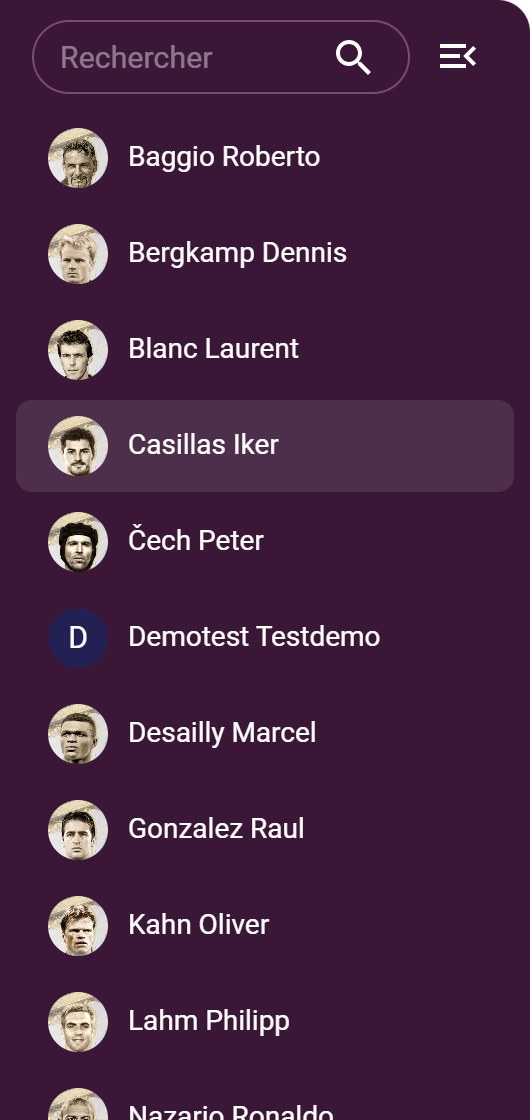
The players panel
Use the shortcuts
-
Below the player's name, the shortcuts open their data directly in the other modules: Calendar, Medical, Nutrition, Athletic Tracking and Administrative.
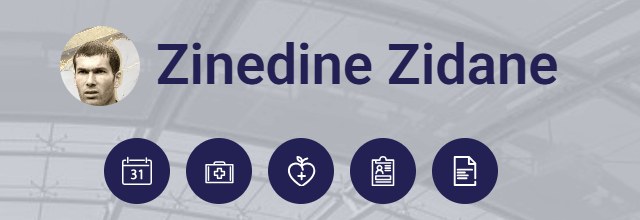
The profile shortcuts
Browse the tabs
-
Click a tab to show the related data. Use the arrow on the right to see the next tabs.

The profile tabs
The tabs available depend on your modules:
Tab Content Global Information Identity, sports information and comments Summary Attendance, session types and form statistics (learn more) Sessions, Career, Game history The player's sessions, playing time and matches (learn more) Report BI, Reports Dashboards and reports generated for the player Forms Forms the player has access to Documents, Reviews Shared documents and one-to-one interviews (learn more) Allergies, Pathologies, Consultations Data from the Medical module Choose your tabsHide or reorder the tabs with the button on the right of the bar: see Customise the player profile tabs.
Print the profile
-
Click the printer icon, below the tabs, to print the player's profile.
The print icon
Need help
Email support@mycoachpro.io with any questions about the player profile.