Remove a player from a team or delete them
From the player profile, the Actions menu offers two options: remove the player from a team, or permanently delete their account.
Is the player changing teams?
To move a player to another team, use Move a player to another team instead.
Remove a player from a team
-
Click the Players module, then the player. On their profile, click Actions and choose Delete from team.
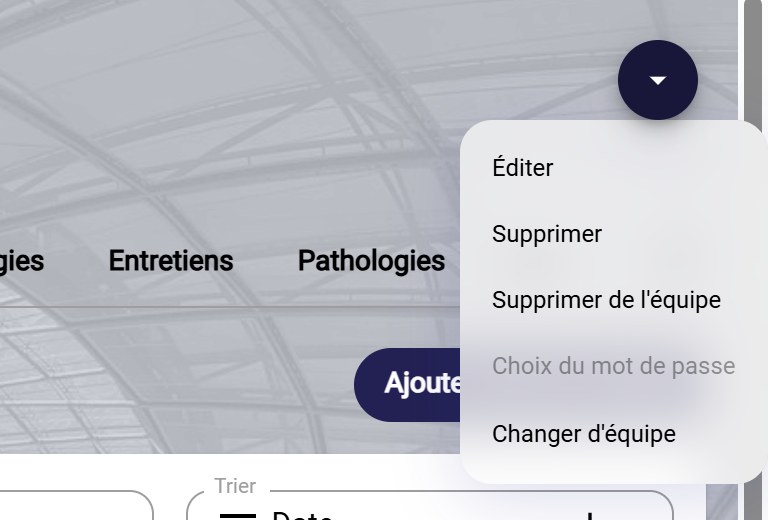
The Actions menu
-
Tick the teams the player should leave, then click FINISH.
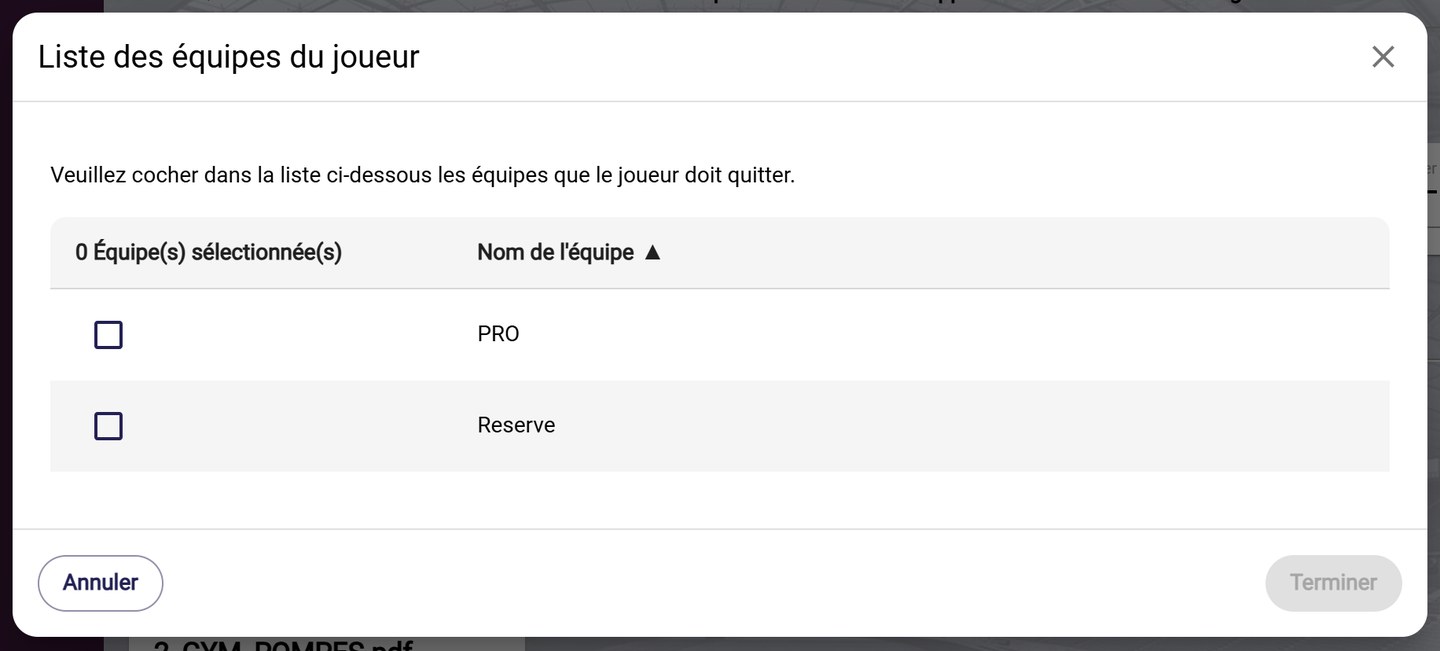
Choosing the teams to leave
Delete a player
-
On the player's profile, click Actions and choose Delete.
-
Confirm by clicking DELETE.
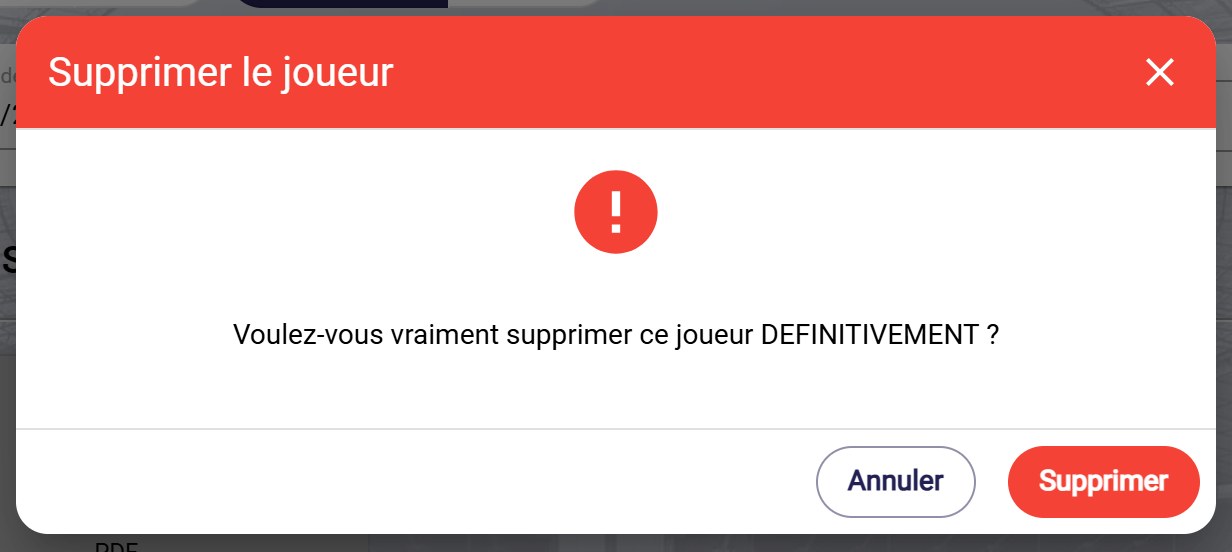
The deletion confirmation
Permanent deletionDeleting a player is permanent. If the player is only leaving a team, use Delete from team instead.
Need help
Email support@mycoachpro.io with any questions about deleting players.