Customise the player profile tabs
Show only the tabs you use on the player profile, in the order you want.
Customise the tabs step by step
-
On a player's profile, click the Manage tabs button, on the right of the tab bar.

The Manage tabs button
-
In Tabs configuration:
- tick or untick each tab to show or hide it;
- use the arrows to the left of a tab to move it up or down;
- Remove all and Add all untick or tick all the tabs at once.
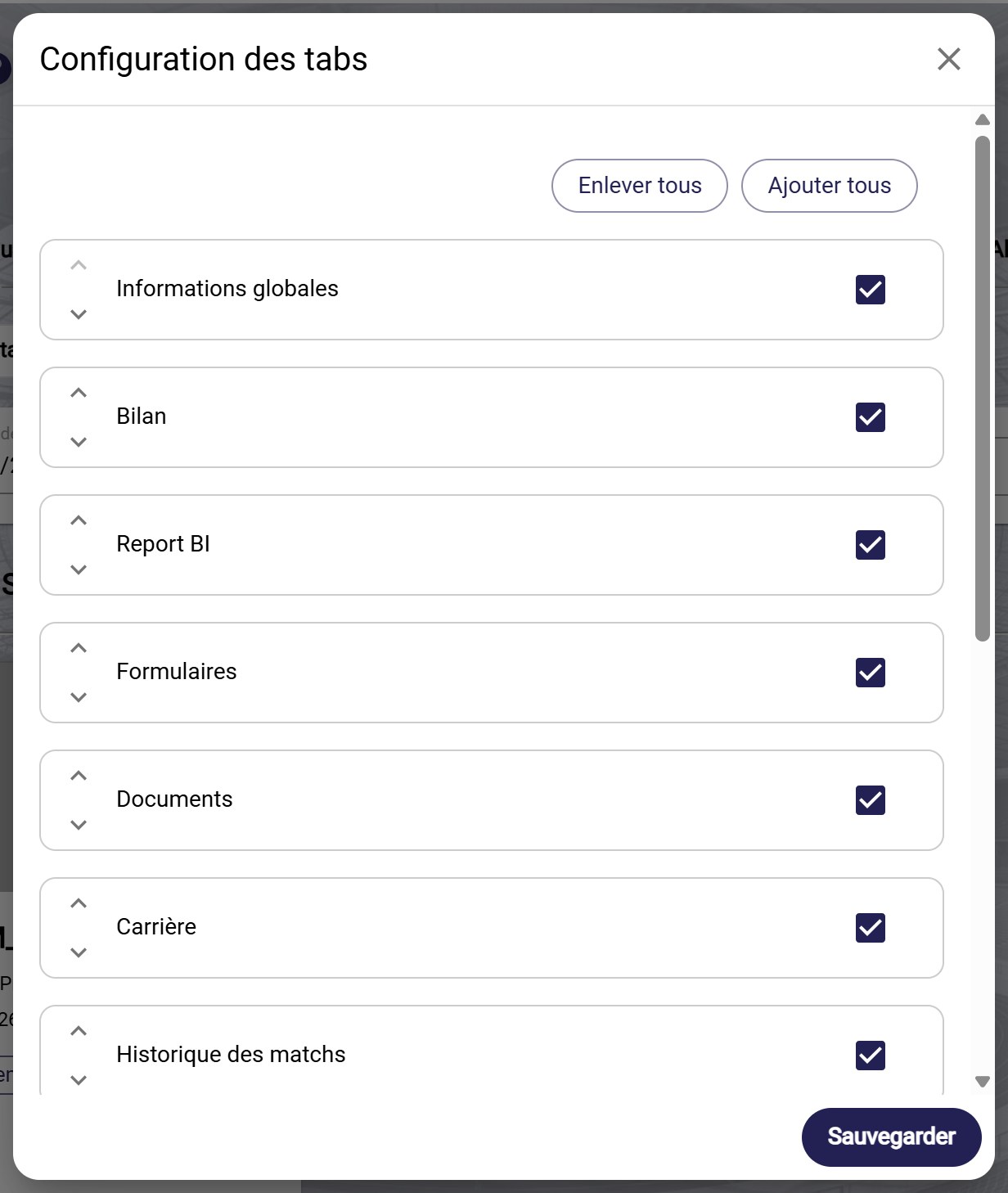
The tabs configuration
-
Click SAVE.
Can't find a tab?If a tab doesn't appear on the profile, check that it is ticked in this window. Some tabs, such as Reports, may be hidden.
Need help
Email support@mycoachpro.io with any questions about the player profile tabs.