Edit a player
Update a player's profile from the Players module: contact details, personal or sports information.
Edit a player step by step
-
Click the Players module.
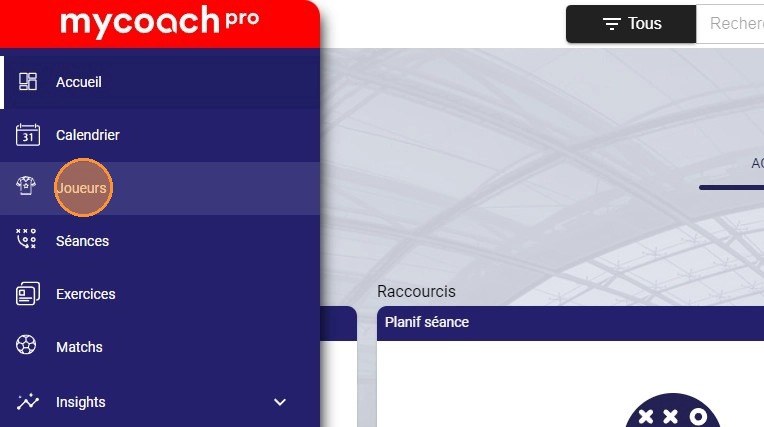
The Players module
-
Select the player you want to edit.
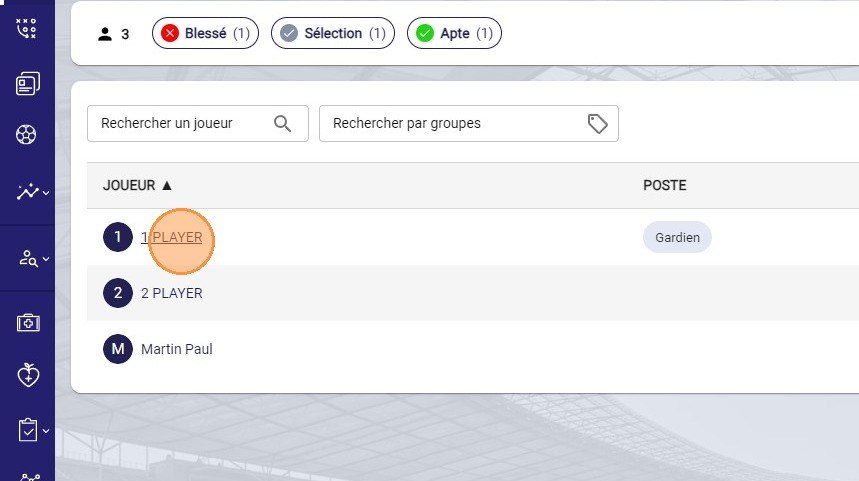
Selecting the player
-
Click the Actions button and choose the Edit option.
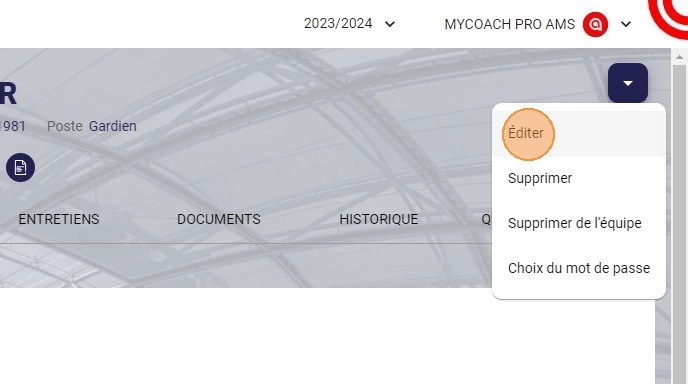
The Edit option in the Actions menu
-
Update the information you want, for example the email address.
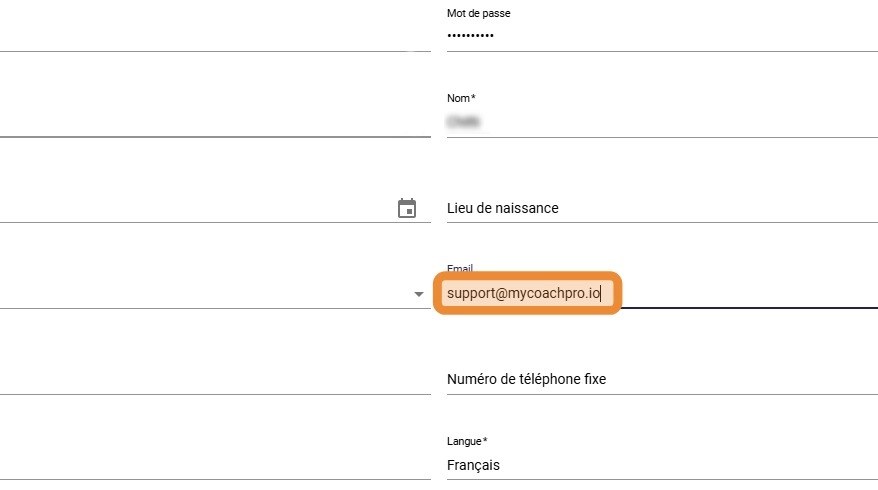
Updating the email address
The form is split into four blocks:
- General information: username, password, identity, date and place of birth, contact details, nationality, language, International checkbox;
- Sport informations: former club, preferred foot, position, positions on the pitch (several choices possible), licence number, nickname and transfer location;
- Postal address;
- Player modules: the modules they have access to, team by team.

The Sports information block
The nicknameThe nickname is used on several MyCoach Pro screens: calendar, sessions, forms…
-
Click DONE to save your changes.
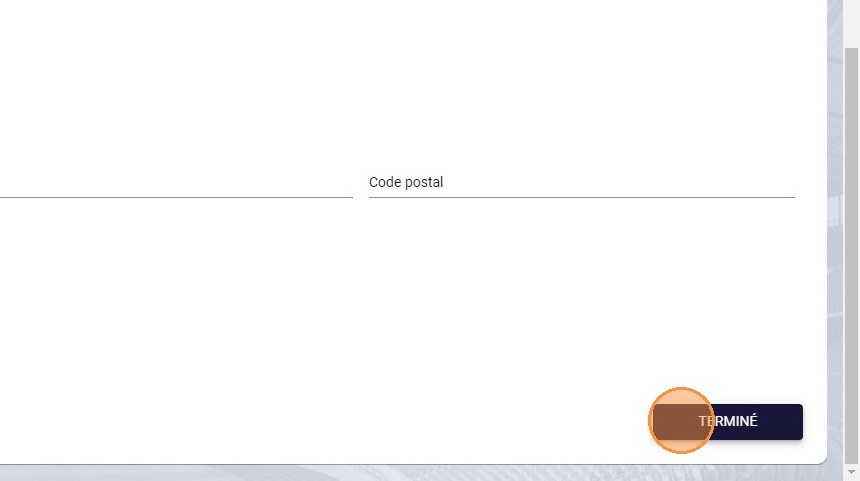
The Done button
Need help
Email support@mycoachpro.io with any questions about editing players.